
ConstructionFeeds
- 42 comments
- 11th April, 2026
What is BIM?
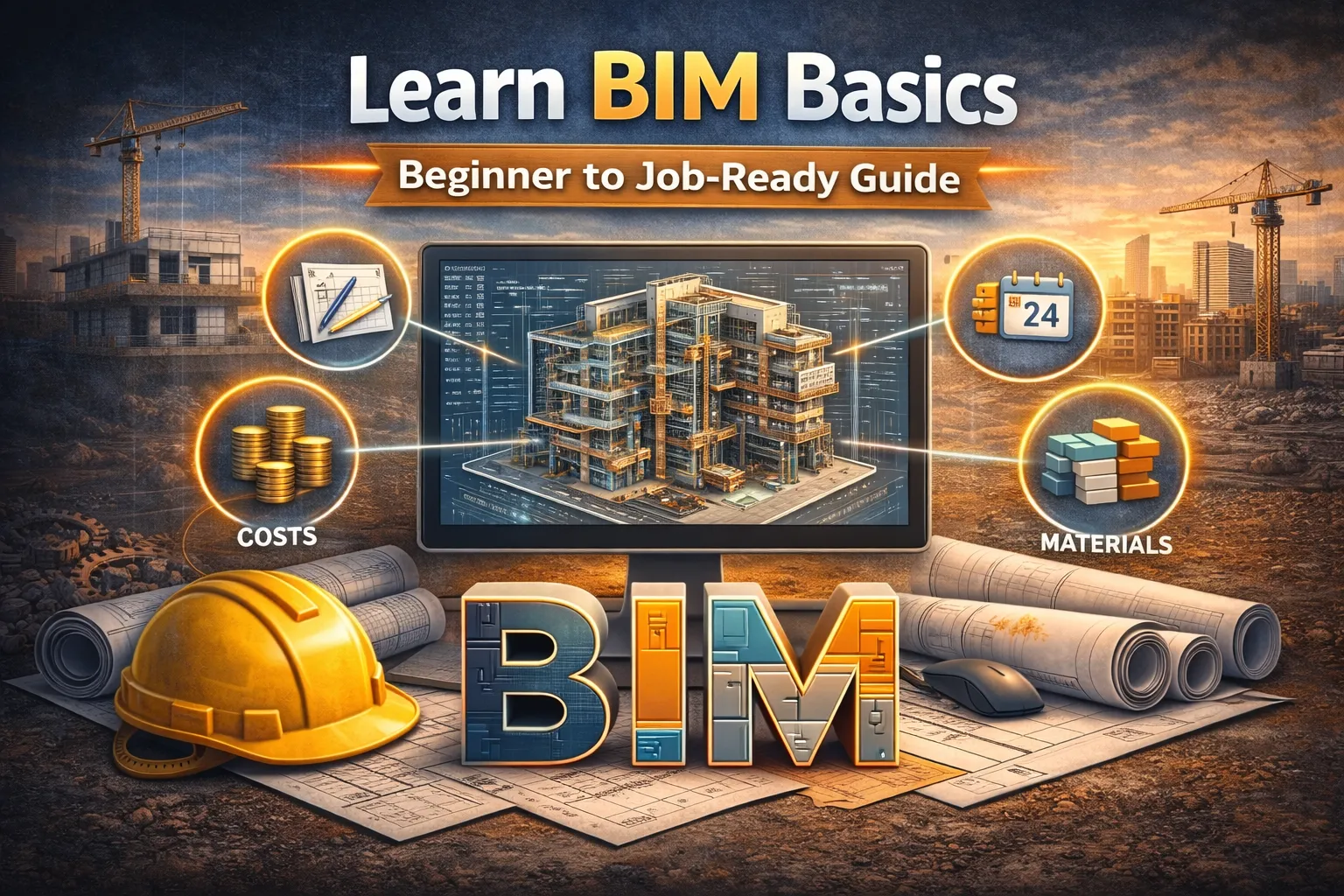
BIM (Building Information Modeling) is a digital representation of a building that includes:
- 3D design
- Structural data
- Materials
- Cost & scheduling
👉 Think of BIM as a smart 3D model + database combined
⚙️ Step 1: Understand BIM Levels
Before tools, learn the concept:
- Level 0 → 2D drawings (AutoCAD)
- Level 1 → Basic 3D + documentation
- Level 2 → Collaborative BIM (multiple teams)
- Level 3 → Full integrated BIM (future)
👉 Most companies today operate at Level 2 BIM
🧱 Step 2: Learn Core BIM Components
BIM is not just modeling — it includes:
- 3D (Design) → Geometry of building
- 4D (Time) → Construction scheduling
- 5D (Cost) → Budget estimation
- 6D (Sustainability) → Energy efficiency
👉 This is called nD BIM
💻 Step 3: Choose the Right BIM Software
Start with industry-standard tools:
🔹 Autodesk Revit (Most Important)
- Architecture + Structure + MEP
- Widely used globally
🔹 Navisworks
- Clash detection
- Project coordination
🔹 AutoCAD
- Foundation for beginners
👉 Start with Revit → then Navisworks
🏗️ Step 4: Learn Basic Revit Workflow


Beginner Steps:
- Create a project file
- Set levels (floors)
- Add walls
- Insert doors & windows
- Create floors & roofs
👉 Practice with a simple house model
🔍 Step 5: Understand Clash Detection
Clash detection identifies conflicts like:
- Pipe passing through beam
- Electrical vs structural overlap
👉 Done using Navisworks
This saves:
- Cost
- Time
- Rework
📊 Step 6: Learn Basic BIM Outputs
BIM is powerful because it generates:
- Floor plans
- Elevations
- Sections
- Quantity takeoffs
👉 One model → multiple outputs
🎯 Step 7: Practice Mini Projects
Start small:
- 1BHK house model
- Office layout
- Column-beam structure
👉 This builds real-world confidence
🚀 Step 8: Free Learning Resources
- YouTube (Revit tutorials)
- Autodesk student version (free)
- Online courses (Udemy, Coursera)
👉 Practice daily for 30–60 mins
⚠️ Common Beginner Mistakes
- ❌ Jumping into advanced tools too early
- ❌ Ignoring fundamentals
- ❌ Not practicing regularly
- ❌ Learning theory without projects
🧠 Final Roadmap (Simple)
👉 Week 1–2: Learn basics + interface
👉 Week 3–4: Model simple house
👉 Month 2: Learn families + components
👉 Month 3: Start clash detection + projects
💡 Pro Tip (Career Growth)
If you combine:
👉 BIM + AI + Construction Knowledge
You become:
🔥 High-demand professional globally
